 ecbyts
Analysis, trends, uncertainty, costs and scenarios: seven tours to read your model numbers
About 3 min read
- Guide
- Tour
Seven short tours show how to compare process scenarios, read trends, propagate uncertainty, track costs and understand the model score in ecbyts.
Collecting data is half the work; the other half is knowing what it says. Knowing whether a concentration series is rising or just fluctuating, how much uncertainty each number carries, and how much the monitoring program costs, and what changes if the process changes, are decisions in every study with environmental data.
ecbyts has a panel for each of them, and seven guided tours show where they are and how to read what appears on screen. Each tour opens the real panel in the app and explains, step by step, what to look at.
The tours in this theme
- Compare process scenarios (5 min). You create the Base, change one hypothesis at a time, compare with the Base, test the robustness of the result and see how to export the study with its caveats. It is a simulation, not a measurement.
- Scenario comparator (3 min). A short introduction to the same comparator: the three rates (throughput, recovery and yield) and the table that puts the Base next to the scenarios, with the differences highlighted.
- Mann-Kendall trend test (3 min). The Mann-Kendall test indicates whether a time series has an upward or downward trend. You open the Temporal Analysis panel, enter a series (or choose an element and parameter), click Analyze and read the trend direction, the significance level and Sen's slope.
- Uncertainty hub (3 min). Every model number carries uncertainty. The hub propagates it with the GUM method (the international guide to expressing measurement uncertainty) and has a Bayes tab that updates a belief with new evidence, showing prior, posterior and credible interval.
- Cost analysis (3 min). The panel shows the split between CAPEX (capital expenditure: wells, equipment, infrastructure) and OPEX (operating cost: sampling, analysis, reporting), broken down by category, element and period.
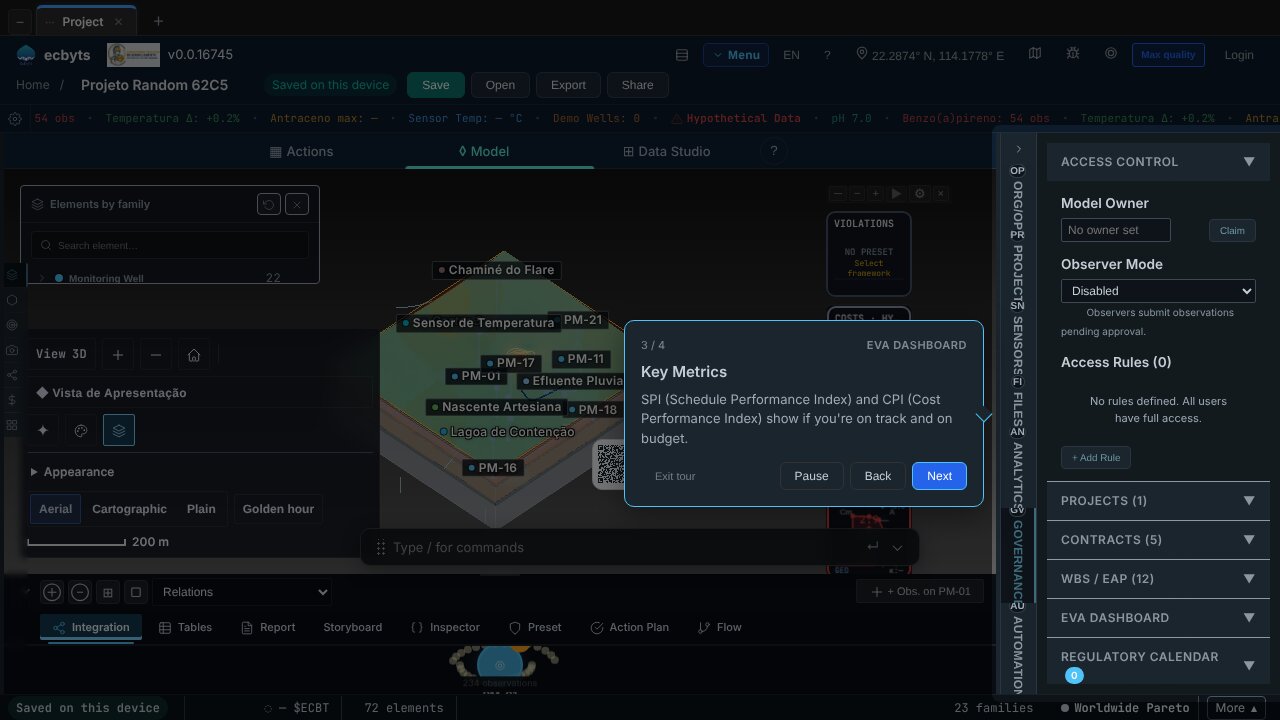
- EVA dashboard (2 min). Earned Value Analysis (EVA) compares planned and actual progress. The tour opens the Governance tab and explains SPI (schedule performance) and CPI (cost performance).
- ECBT Score (2 min). The panel breaks down the model's composite environmental score: physical severity, per-family breakdown and the monetary component, with no black box.
The two scenario tours use the ecbyts comparator; the 5-minute one is the full version and the 3-minute one is the quick overview. The compare-scenarios tour warns that example data is for learning, not for deciding about a real plant, and that nothing is saved on the server.
Keep going
If you are new to the app, the Tour Trail gathers the ten tours of the basic workflow, in the order of the work.